Remove contact info from a resume before you submit it
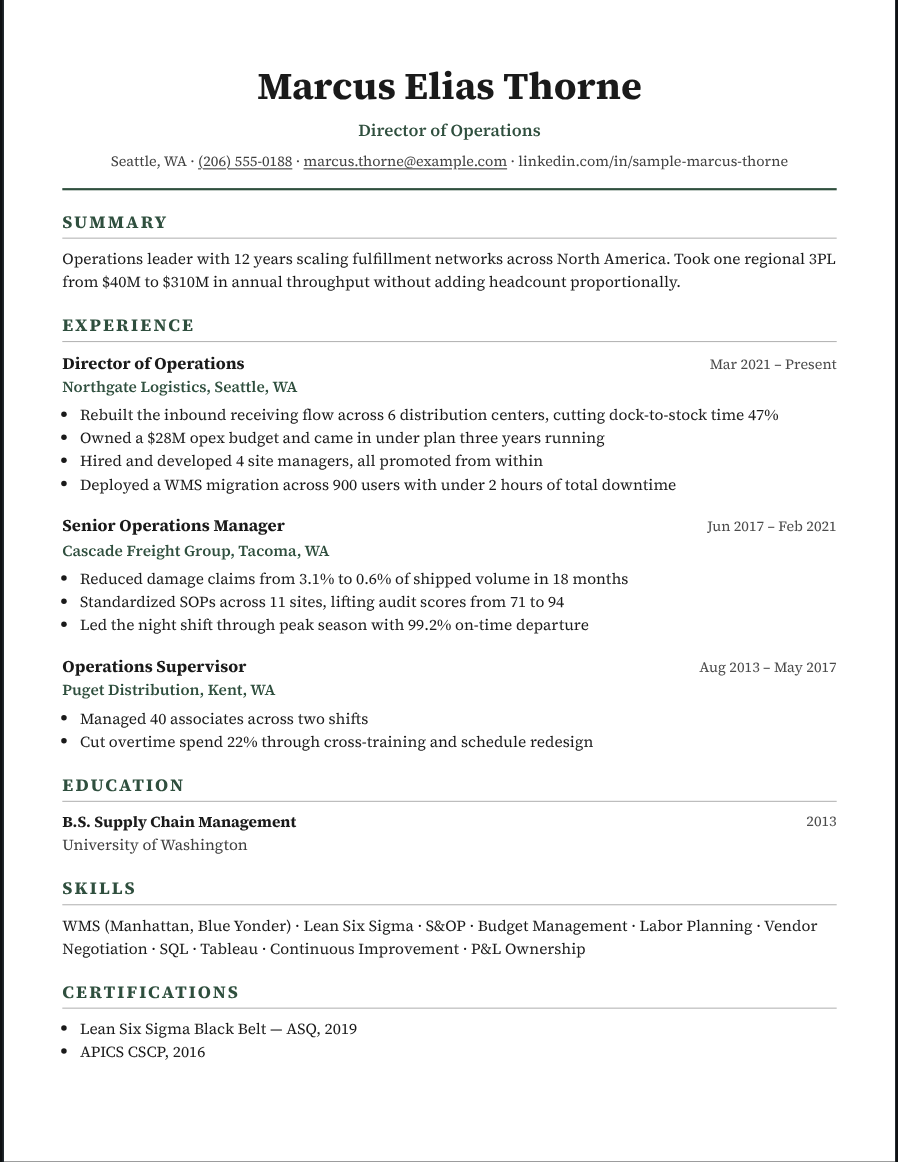
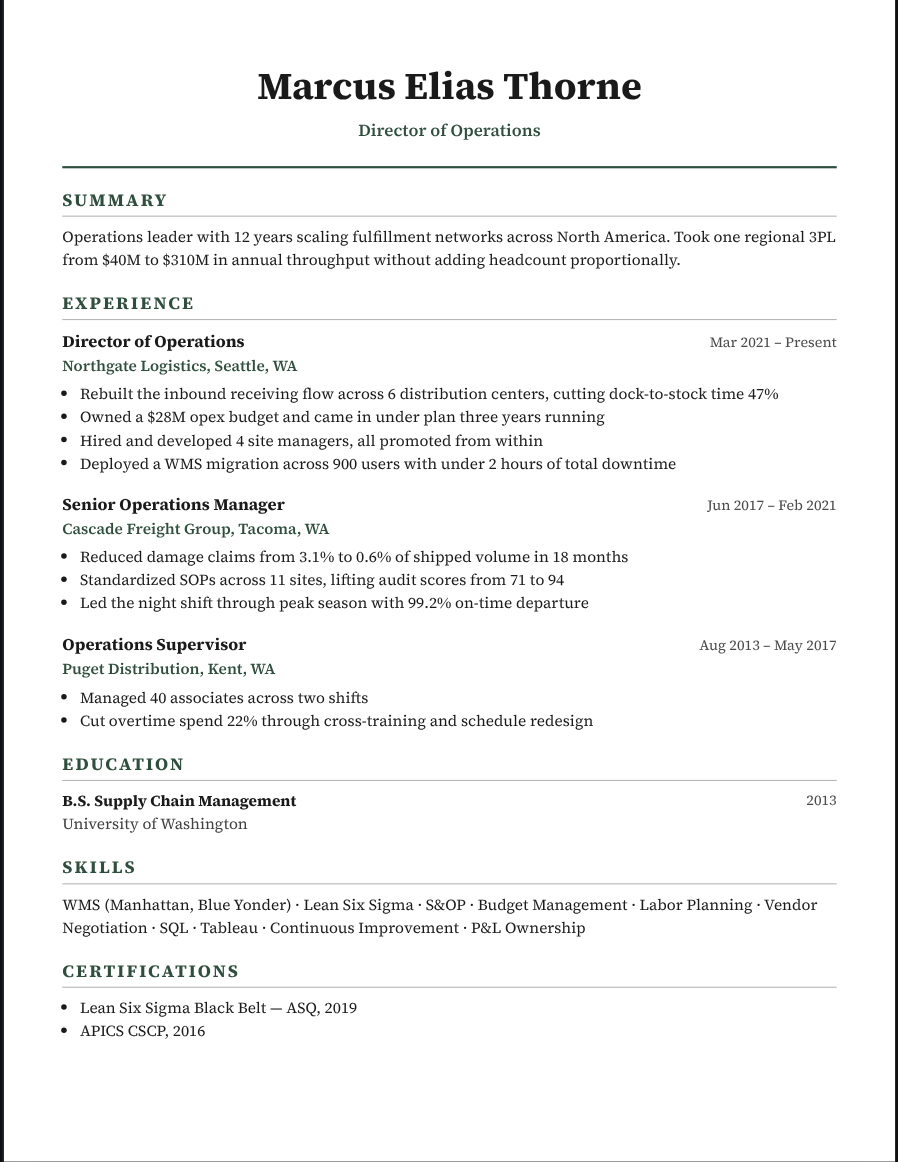
Send a client a candidate’s resume with the email and phone still on it, and you may have just introduced them for free. Recast’s Recruiter mode hides the details you choose before the file ever leaves your desk.
Try it free Browse the formats
How it works
- Open the candidate. Import their resume or pick them from your roster.
- Turn on Recruiter mode. Tick what to hide: email, phone, links, location — or the name itself for blind screening.
- Download. The PDF and Word file carry only what you left on. The candidate’s record keeps everything.
Hide what you need, keep the rest
Each detail has its own switch, so you can keep the city for a local role and hide everything else. Blind screening hides the name too and gives the candidate an anonymous ID.
Add your agency instead
On Studio, put your agency’s header and logo where the contact details were, so the client knows exactly who to call.
Know where a resume went
Every file you download carries a reference. If a resume turns up somewhere it shouldn’t, drop it into Recast to see which client it was sent to.
Questions
Does hiding contact info change the candidate’s record?
No. Masking applies to what you download. The candidate’s full details stay in your workspace.
Which plans include it?
Masking is on Pass and Studio. Agency branding and the leak tracer are on Studio.
Does it work on Word downloads too?
Yes. The Word file is built from the masked page, so the hidden details are not in it.