A recruiter screen summary your hiring managers will actually read
Hiring managers don’t want a forwarded attachment and a three-paragraph email. They want the resume, your take, and the five facts you learned on the phone. Recast puts a one-page screen summary in front of every resume you send.
Try it free Browse the formats
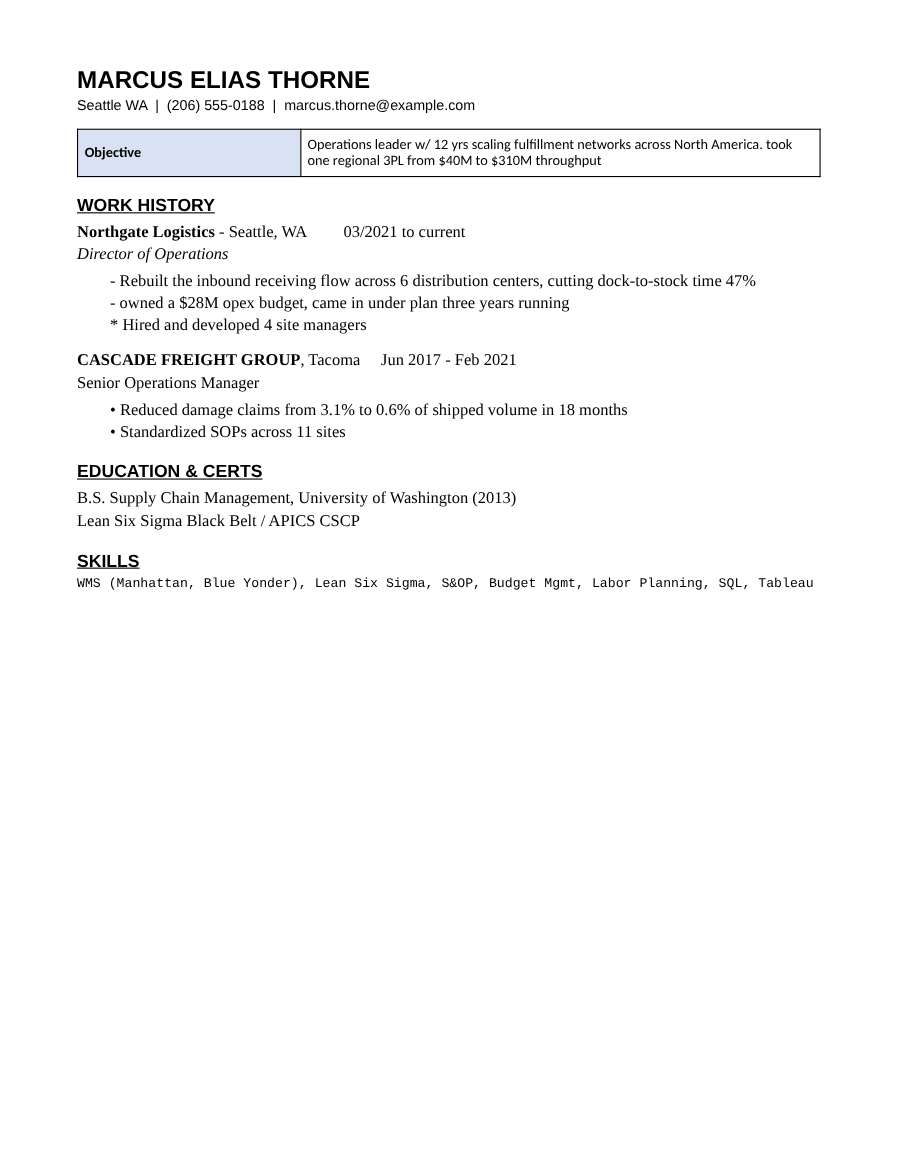
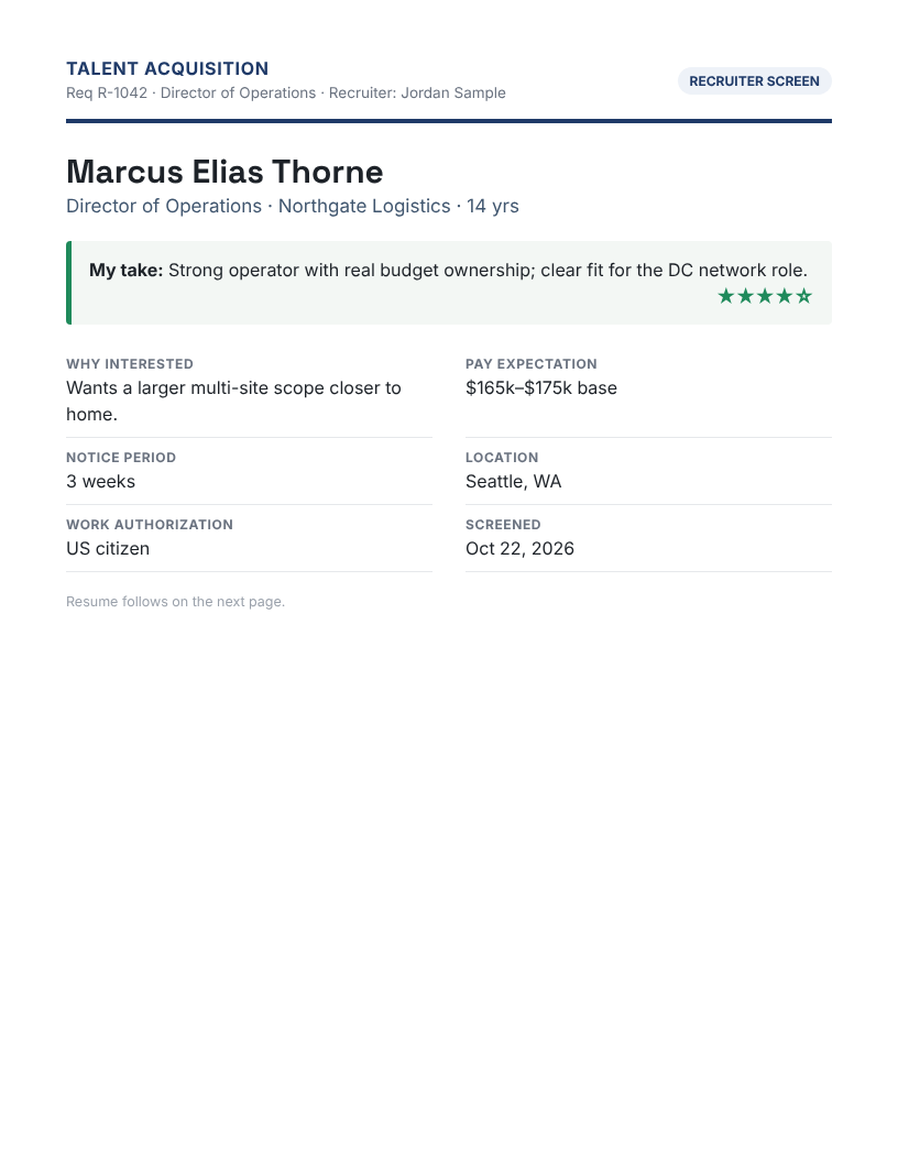
How it works
- Open the candidate. Import the resume once — Recast cleans it into a consistent format.
- Fill in the screen summary. Your take and rating, why they’re interested, pay, notice, location and work authorization. The must-haves from the job are checked for you.
- Send it. The summary is page one of the PDF and the Word file, with Advance / Hold / Decline buttons that email you back.
Built for in-house recruiters
Turn on corporate mode and Recast speaks your language: hiring managers, requisitions and slates instead of clients and job orders.
One-tap feedback
The hiring manager taps Advance, Hold or Decline and their email opens with the reply filled in. No logins, nothing stored on a server.
Paste it into Teams or Slack
A short candidate summary formatted for chat — name, current role, three highlights, must-haves met, pay and your take.
Questions
Which plan includes the screen summary?
Studio, along with hiring manager slates, requisitions and interviewer packets.
Does the summary go into the Word file too?
Yes. It’s page one of both the PDF and the Word download.
Can I flag internal candidates or referrals?
Yes — tag a candidate as internal (with team and tenure) or as a referral (with who referred them).