Reformat a candidate resume in 30 seconds
Candidates send resumes in every shape: Word files with tables, two-column PDFs, LinkedIn exports. Recast reads each one, pulls out every role, date and bullet, and pours them into a clean format you choose — the same look for every candidate you submit.
Try it free Browse the formats
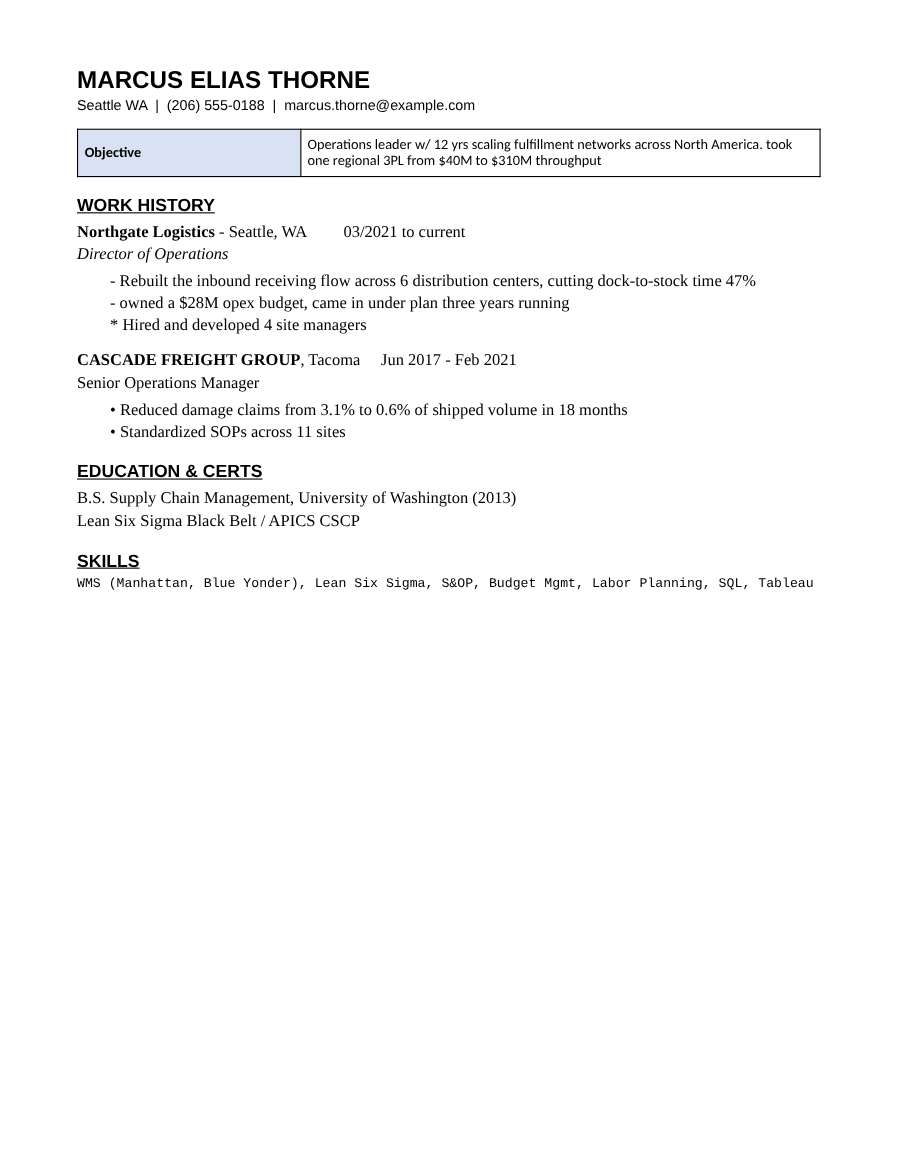
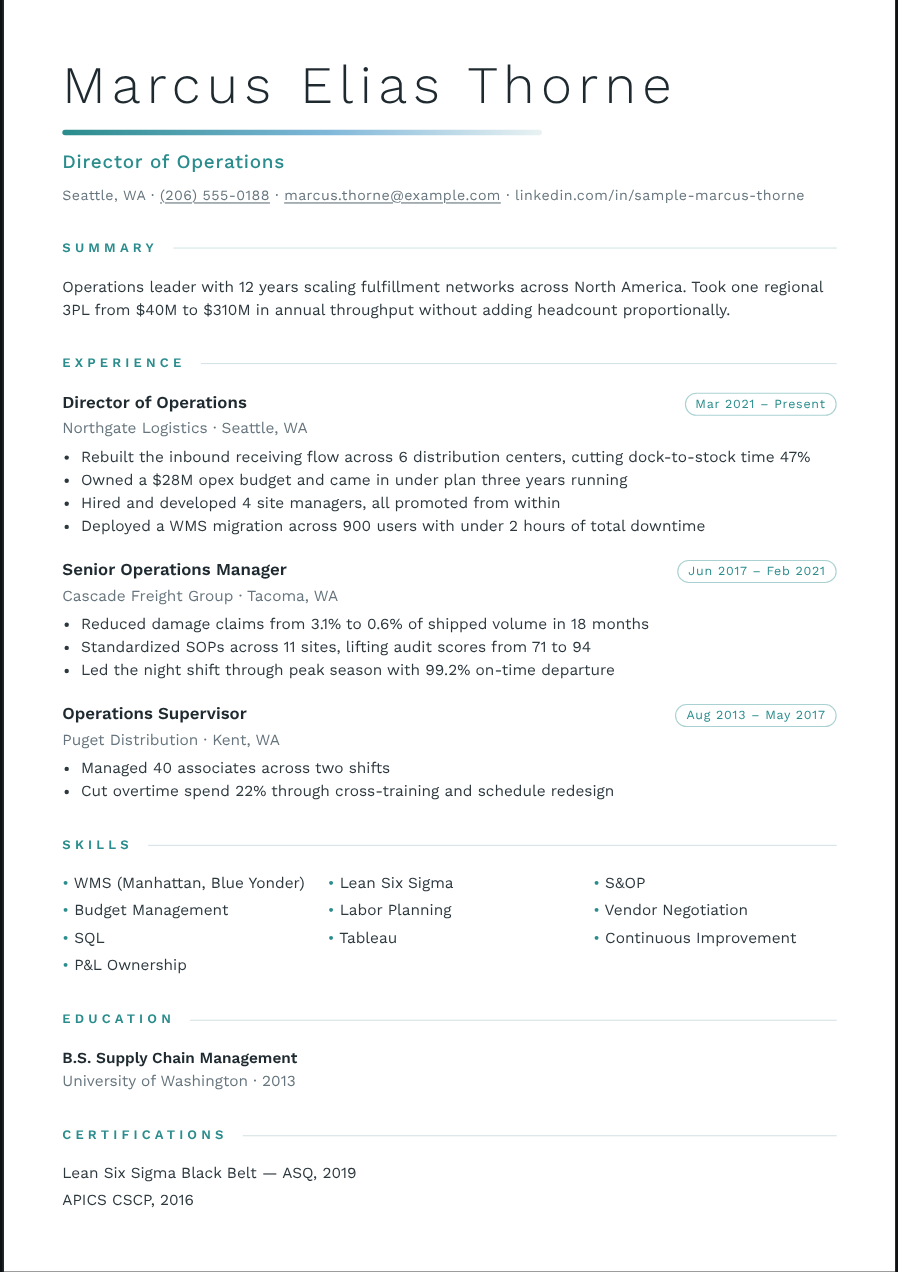
How it works
- Drop the file in. Word, PDF, pasted text, a LinkedIn profile, even a .zip of resumes. Everything is read in your browser.
- Check what Recast read. Every role, date, bullet and skill is in editable fields, with a note if anything looks thin.
- Pick a format and download. 800+ formats, any accent color, 26 typeface pairings. Download a PDF, or an editable Word file that looks the same.
Why reformat at all?
Hiring managers compare candidates side by side. When every resume arrives in a different layout, the comparison is about formatting, not experience. A consistent format puts the candidates on equal footing — and puts your agency’s name on the work.
Your house style, every time
Pick a format once and keep it for a client. Recast remembers which format, color and typeface you used for each client, so the next submission looks the same without thinking about it.
Nothing leaves your browser
Parsing and export run on your computer. Candidate resumes are never uploaded to our servers.
Questions
Does it work with scanned resumes?
Yes. Scanned PDFs and images are read with text recognition in your browser. Check the result — scans are never as clean as a real file.
Can I edit the text after reformatting?
Yes. Every field is editable, and you can also click text directly on the page to change it.
Is there a free plan?
Yes. The free plan has the full parser and three formats, with a small footer mark on the PDF. Pass ($25 once) unlocks every format and clean PDF + Word exports.