Convert any resume to your client’s template
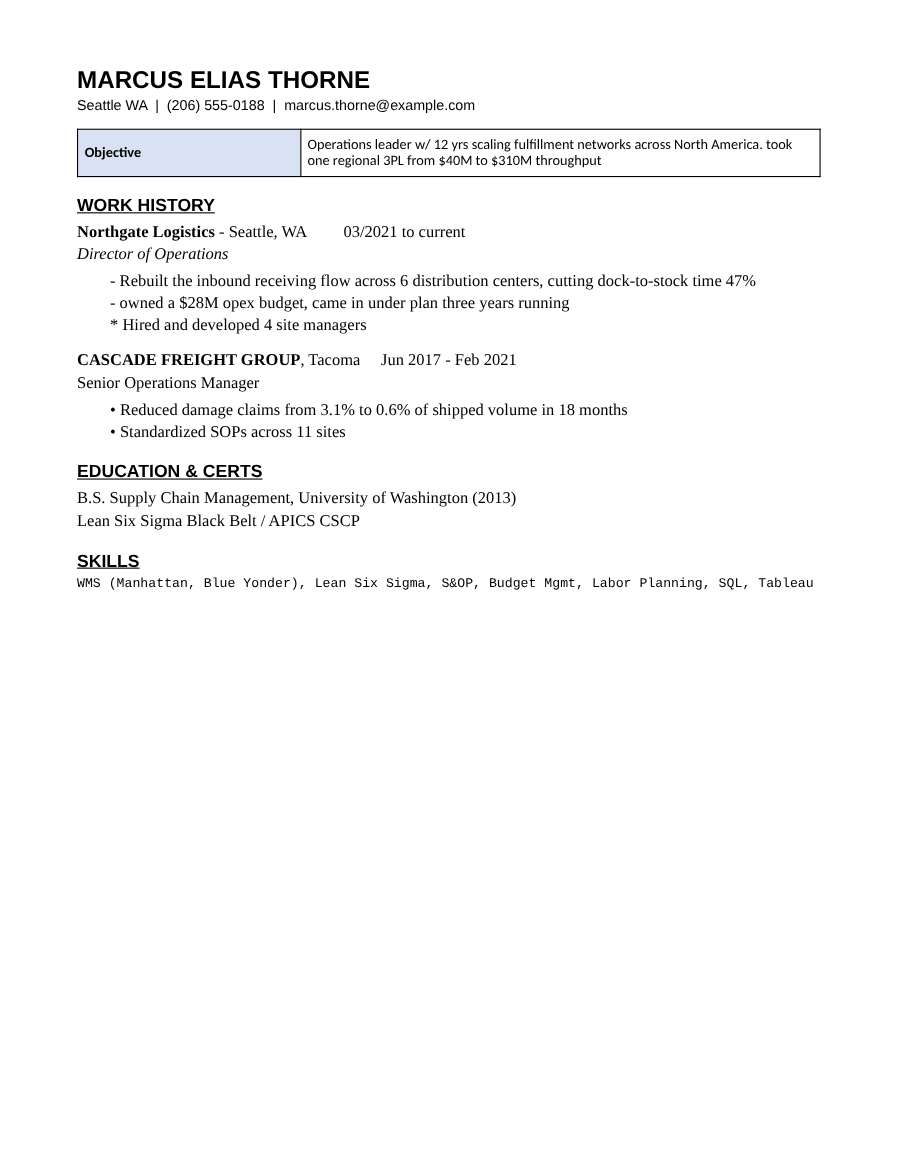
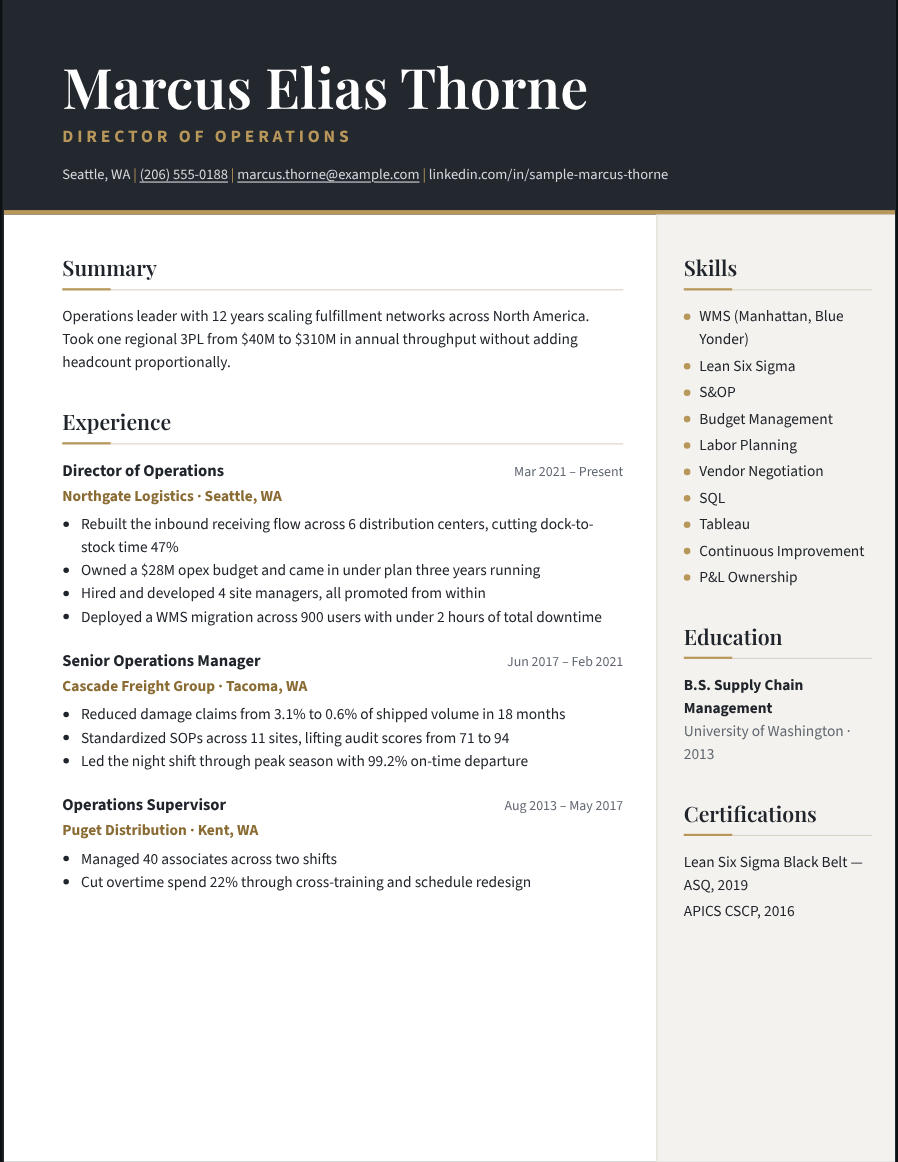
Some clients want every candidate in their own layout. Retyping each resume into their Word template takes twenty minutes a candidate. Recast does it in seconds, for every candidate on the role.
Try it free Browse the formats
How it works
- Choose the client’s look. Pick the closest of 800+ formats and set the client’s color and typeface — or, on Studio, make a format from a sample resume they sent you.
- Import your candidates. One at a time, or a whole folder at once.
- Export them all. Every candidate comes out in the same layout, as PDF or editable Word.
Remembered per client
Recast keeps the format you used for each client and offers it again the next time you submit to them.
A whole shortlist at once
On Studio, import a batch of resumes and export the whole roster in the client’s format in one click.
Editable when they ask for Word
Many clients want Word files they can annotate. Recast’s Word export is built to look the same as the PDF.
Questions
Can Recast copy my client’s exact Word template?
On Studio you can make a format from a sample resume or template: Recast reads its typefaces, sizes, colors, headings and layout, and you can adjust anything before saving.
How many candidates can I convert?
There is no per-resume limit on Pass or Studio.
Do candidates’ resumes get uploaded?
No. Everything runs in your browser.